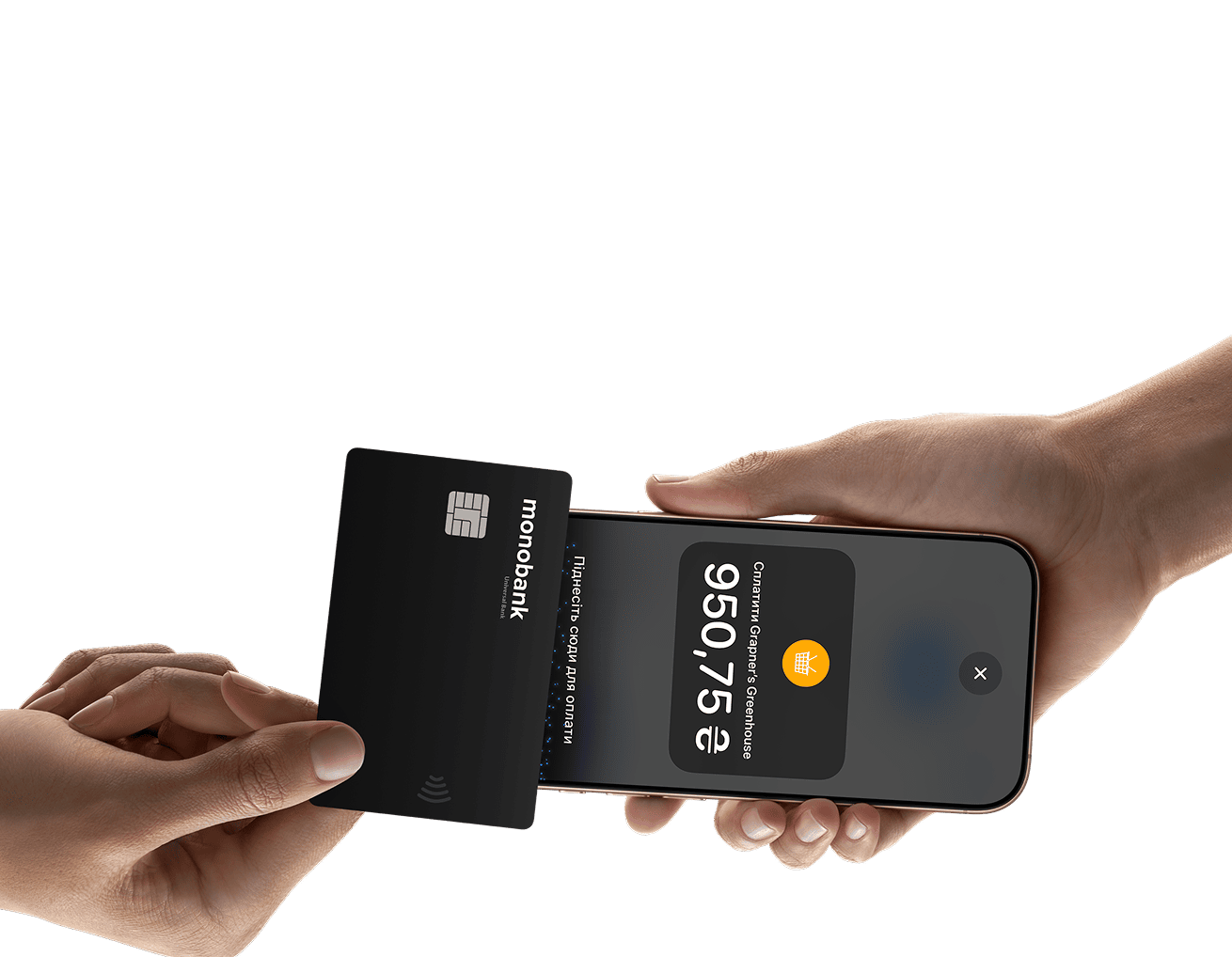
Tap to Pay on iPhone
Accept contactless payments right on iPhone.

Tap to Pay on iPhone is now available with Terminal in smartphone
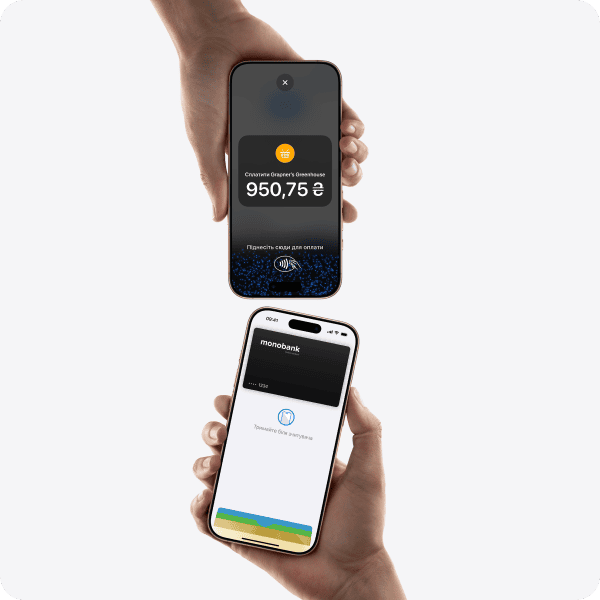
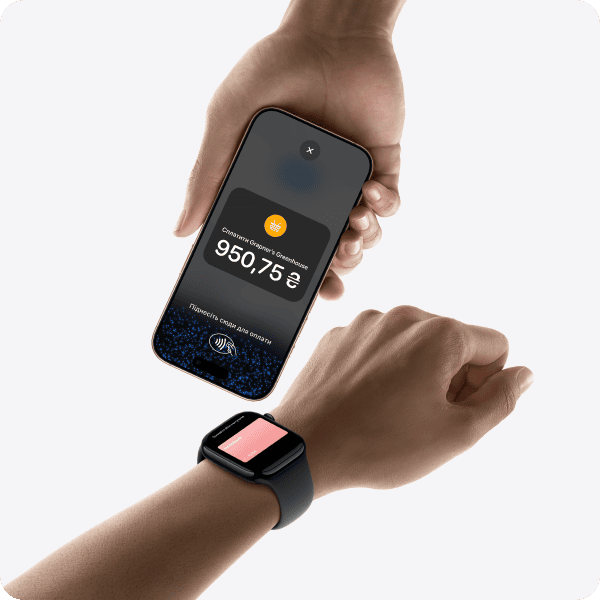
This means anyone can accept all types of in-person contactless payments — from physical debit and credit cards to Apple Pay and other digital wallets. It's simple and secure, and no additional equipment is needed. All you need is an iPhone.

Expand your business horizons.

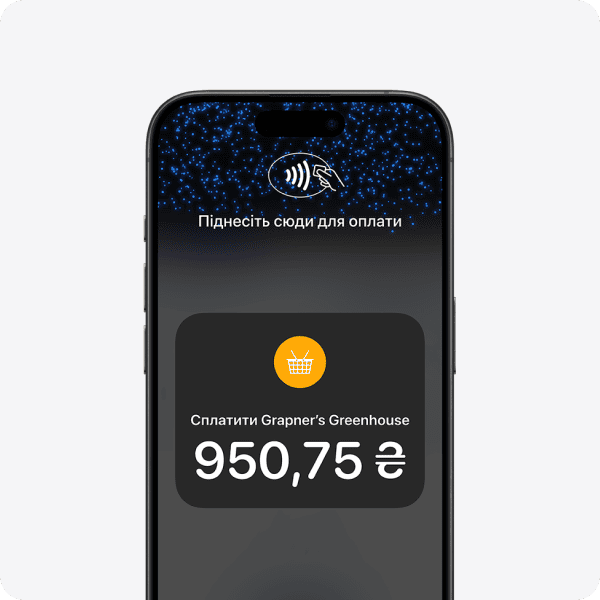
With Tap to Pay on iPhone, anyone can run a business from anywhere by accepting contactless payments right on iPhone. Fast checkout makes it easy to attract new customers, accept payments on the go, and explore new opportunities like accelerated service technologies. All you need is an iPhone and the Terminal app.
No additional equipment needed.

You no longer need card readers or terminals. Tap to Pay on iPhone makes it easy to start a new business or expand an existing one. Anyone can accept contactless payments with just an iPhone and the Terminal app. It's that simple.

Privacy and security guaranteed.

Tap to Pay on iPhone uses integrated iPhone features to ensure the privacy and security of your business and customer data. When processing a payment, Apple does not store card numbers and PINs either on the iPhone or on its servers. This way, merchants and customers can be confident that their data remains secure.

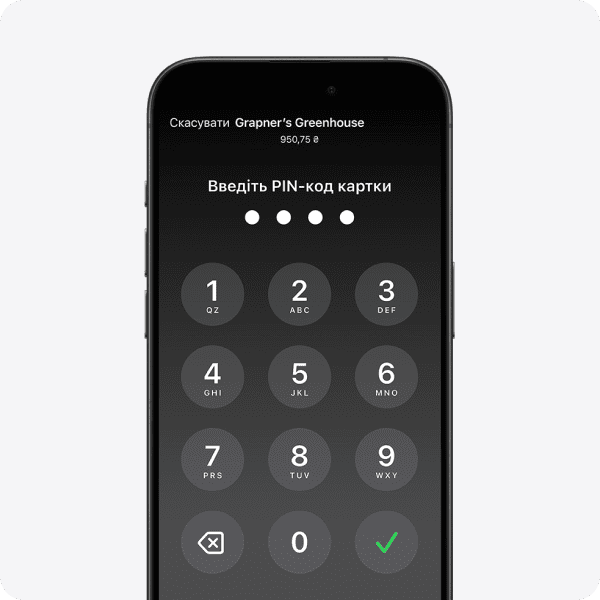
Protection for transactions requiring PIN entry.

Transactions requiring PIN entry will automatically display the PIN entry screen when using Tap to Pay on iPhone. When this screen appears, Tap to Pay on iPhone blocks background apps from accessing sensors that could reveal any part of the PIN. During payment processing, Tap to Pay on iPhone blocks all photo, video, screenshot, and screen recording functions on the merchant's iPhone to prevent capturing the customer's card number or PIN.

Accessible to everyone.

For customers who need visual or other assistance, Tap to Pay on iPhone integrates accessibility features that help them securely enter their PIN. Audio instructions help customers indicate their PIN on the screen or tap the screen to mark each digit: once for 1, twice for 2, and so on. To confirm their PIN, simply swipe right with two fingers.

Easy to get started.

1
Download the Terminal app.
2
Fill in the registration information.
3
Accept in-person contactless payments — right on iPhone.

Start using Tap to Pay on iPhone and Terminal in smartphone today.

Accept contactless payments right on iPhone — no additional equipment needed. Take advantage of competitive pricing — 1.3% per payment.

◊ Legal Information

Tap to Pay on iPhone requires a compatible payment app and the latest version of iOS. To update, go to Settings > General > Software Update. Tap Download and Install. Some contactless cards may not be accepted. Transaction restrictions may apply. The contactless payment symbol is a trademark of EMVCo, LLC, used with permission. Tap to Pay on iPhone is not available in all countries and regions. Countries and regions where Tap to Pay on iPhone is available can be viewed at developer.apple.com/tap-to-pay/regions.