How to send funds from your foreign card
Open your currency card in the app
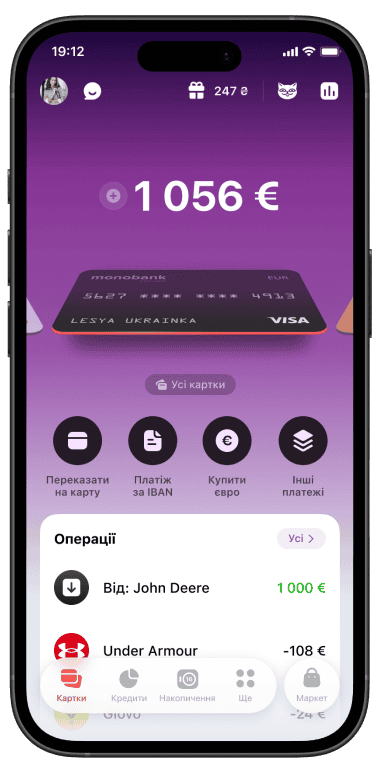
Tap "Transfer to card" button
Choose your currency and copy your card details
You're all set!

Send and receive money worldwide right inside the mono app
The money arrives in just a few minutes
Chosen right by the sender
Send from anywhere in the world
Zero hidden markups
Open your currency card in the app
Tap "Transfer to card" button
Choose your currency and copy your card details
You're all set!
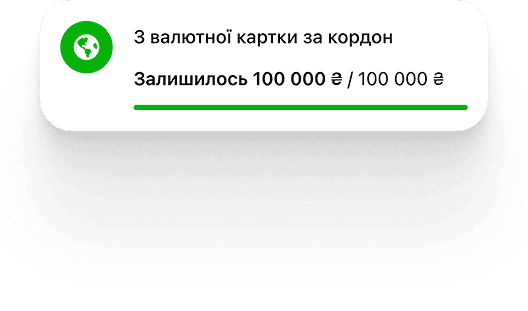
Up to 100,000 ₴ per month

1% of the amount (minimum $1 / €1)
Fee: 1.8% of the amount
Open your currency card in the app
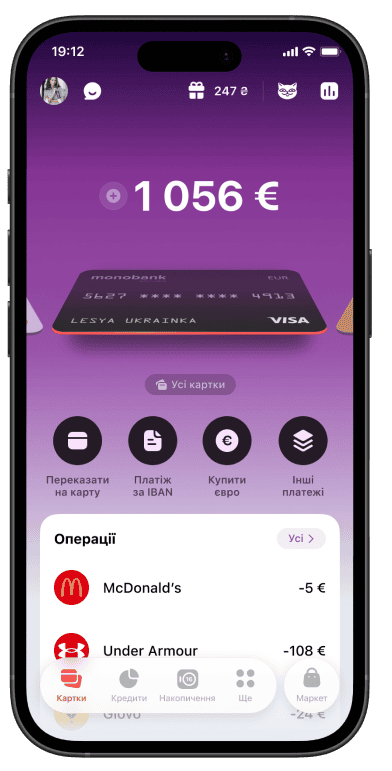
Tap the plus (+) button on the home screen and select "From a foreign card"
Choose your currency and copy your card details
You're all set!
With Visa and Mastercard international money transfer systems, you can send and receive international transfers in line with the payment systems’ rules and Ukrainian law.
To send a transfer, use the monobank app — enter the recipient’s details and the transfer amount, then confirm the transaction. The transfer fee is based on the current rates and is shown in the app before you confirm.
Incoming transfers are processed in line with Visa and Mastercard rules and depend on the payout options available in the recipient’s country.
Visa and Mastercard transfers are processed near real time. Funds are usually available within a few minutes of a successful transfer, unless local laws, payment system rules or the payout provider’s processing times say otherwise.
To make Visa and Mastercard payments through monobank, you can use:
No fees, done in minutes